
You are using an out of date browser. It may not display this or other websites correctly.
You should upgrade or use an alternative browser.
You should upgrade or use an alternative browser.
Iphone GPS Apps
- Thread starter Watt
- Start date


prawns
Moderator
not sure on the cheaper part - my tomtom in a damaged box (brand new though) = $35 and that included $20 store credit with tomtom as well as their latest updates. Got it from a brick and mortar store also (In Wauchope NSW they are still available there last I looked in mio/garmin/tomtom brands with damaged boxes/no box if that helps lols)
Maybe ask around and see if anybody in your area sells on the "damaged box but full warranty" kind of units around your area (was cheaper to buy a GPS than replace the broken speedo cable for me lol)
Maybe ask around and see if anybody in your area sells on the "damaged box but full warranty" kind of units around your area (was cheaper to buy a GPS than replace the broken speedo cable for me lol)

Watt
New Member
Thanks guys, all the reviews on iTunes are very mixed about performance. I guess any issues are usually fixed with free updates. Im keen to know the size of the app also as it says the maps are stored on the device so wifi 3G are not required for navigation. Don't want to fill up my phone with one app.

phs
Well-Known Member
Mate I use memory maps , with the 1:25,000 Victoria topo maps , by far the best app and maps iv used , u can bulk down load area so it casched on the phone grate detail has all the gps information, u can record in GPX files, plan routes. The payed for version of memory maps is a few bucks the topo map was 60.00 but well well worth it
oncedisturbed
New Member
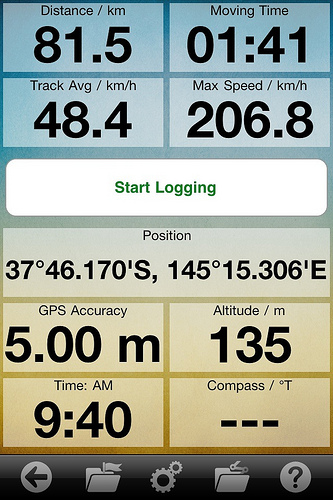
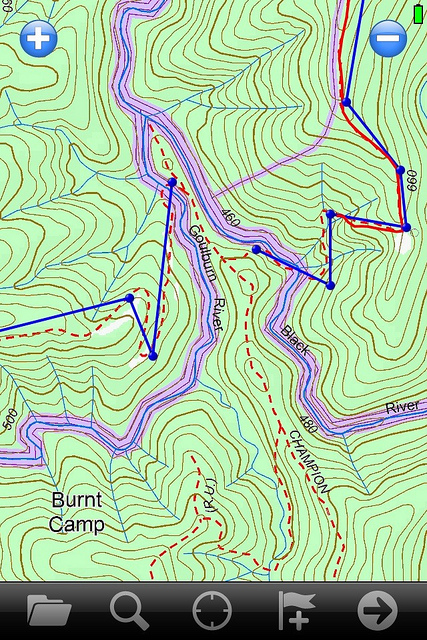
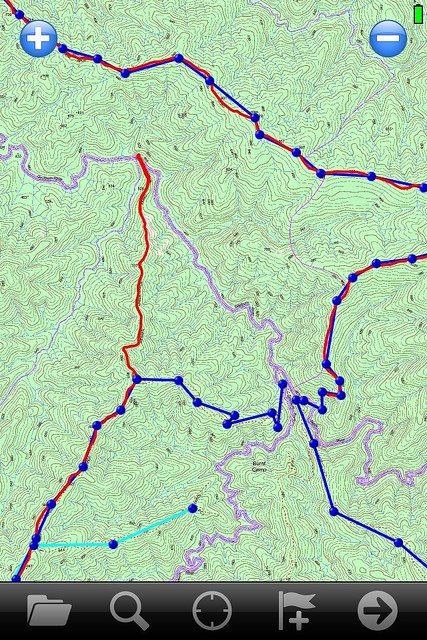
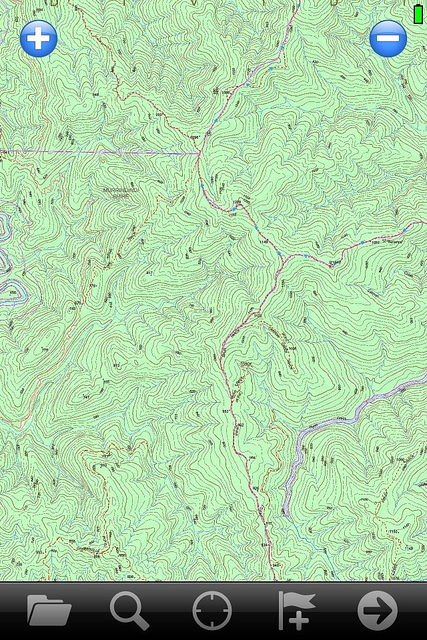
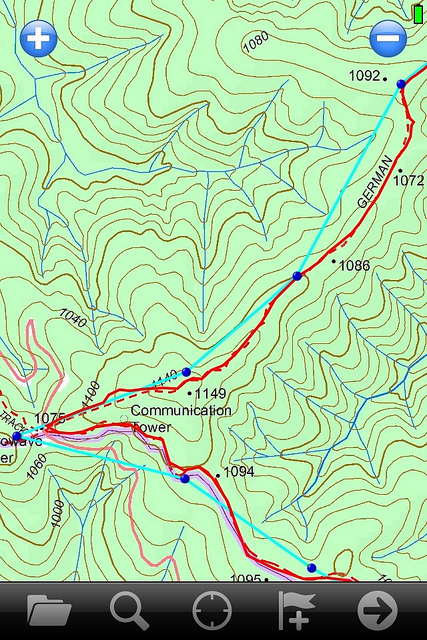
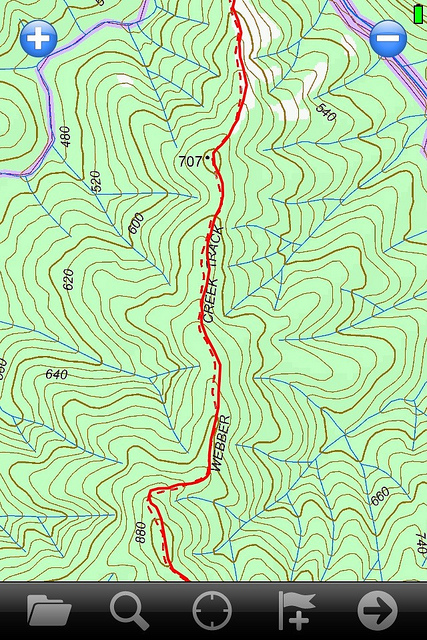
i have mudmap on my iphone - it runs the same VMS maps nationwide as well as SmartTOPO navteq maps down to 1:25k
Cheaper than getting VMS etc, the navteq maps are the best digital maps I have used so far
Cheaper than getting VMS etc, the navteq maps are the best digital maps I have used so far
oncedisturbed
New Member
they are from the Navteq SmartTOPO series that is in built in the program, the VMS maps you need to purchase and the come out on special at times. I think I paid $52 for all of Oz with VMS maps and the program was $46

adzee
New Member
I run VMS software and its about 1.66GB with the VHC Maps bundle which I bought separately. Whilst the initial cost is low, if you buy more and more maps it does get exy.
I think it is great, but temperamental at times, and you do need to have an iPad charger as it runs pretty hot. as for Hema I would love to hear reports on that app, to see if it has better nab of the software. Trying to put a waypoint in the VMS software is really really odd/annoying/painful, so I just use it in conjunction with maps to make sure I am on the right path. That been said, unless I am running a trip I rarely put any waypoints in anyway.
I think it is great, but temperamental at times, and you do need to have an iPad charger as it runs pretty hot. as for Hema I would love to hear reports on that app, to see if it has better nab of the software. Trying to put a waypoint in the VMS software is really really odd/annoying/painful, so I just use it in conjunction with maps to make sure I am on the right path. That been said, unless I am running a trip I rarely put any waypoints in anyway.
I have just bought the VMS iphone app and tried it out on the weekend. I am still getting used to it but it seems pretty solit so far. I loved how I could switch between maps and it still showed all the tracking data from the topo map. . I found some co-ordinates for a local track on this website, pluged them in, dropped a waypoint and the gps took me straight to it. Can't wait to try it out some more.

justaguy
New Member
sorry I forgot to mentiont that the other great thing is that when I purchase an ipad I will also be able to download the program to that and it will have all my trackers and waypoints as it sycs direct with the website.
Broobear,
One quick question if I may,
The App store reviews for VMS have multiple complaints about map scalling issues when you zoom in and out of Maps, it apears the map details dont render very well when Zooming in and Out, any issues on that front?
Second:
What did you pay for the App and what maps do you get forthe Money, One thing I now know on the Hema product, is they give their maps Australia wide but only 1:250K scale, The maps of 1:25K are an extra cost to purchase, I am just wondering where it stands with VMS for Value for Money,.... As It stands in MHO, Given you have to Pay over $200 for Hema, the value proposition is a lot less, I cant find out whet the extra maps cost, still waiting on Hema to get back to me... Nothing is documented on the App store or on their Web site.....
So much for Informed concent when purchasing products
Thanks for your time..
Tim

James Weightman
New Member
Would topo work on an iPod touch without Internet?